Social Media Work
-
![]()
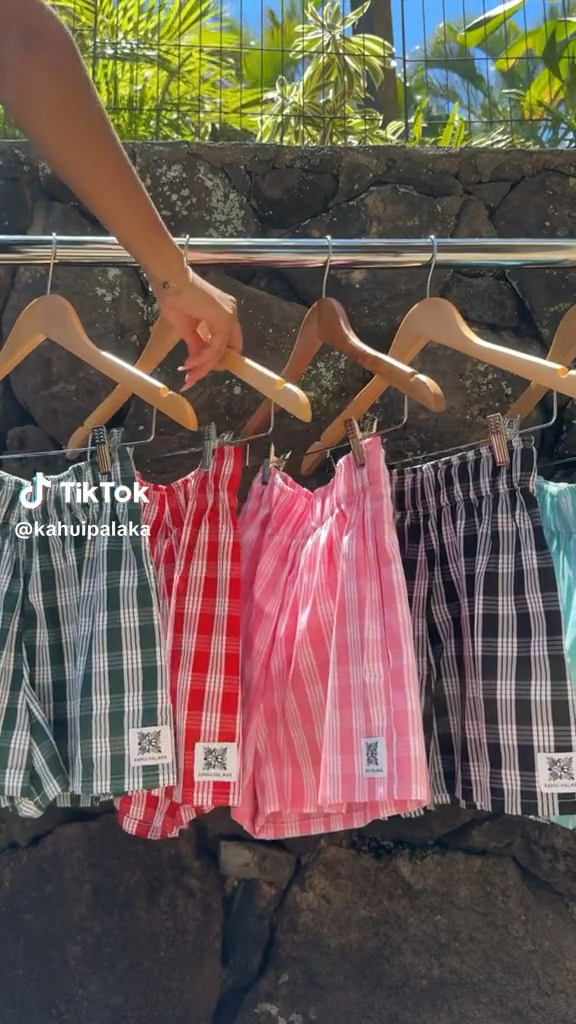
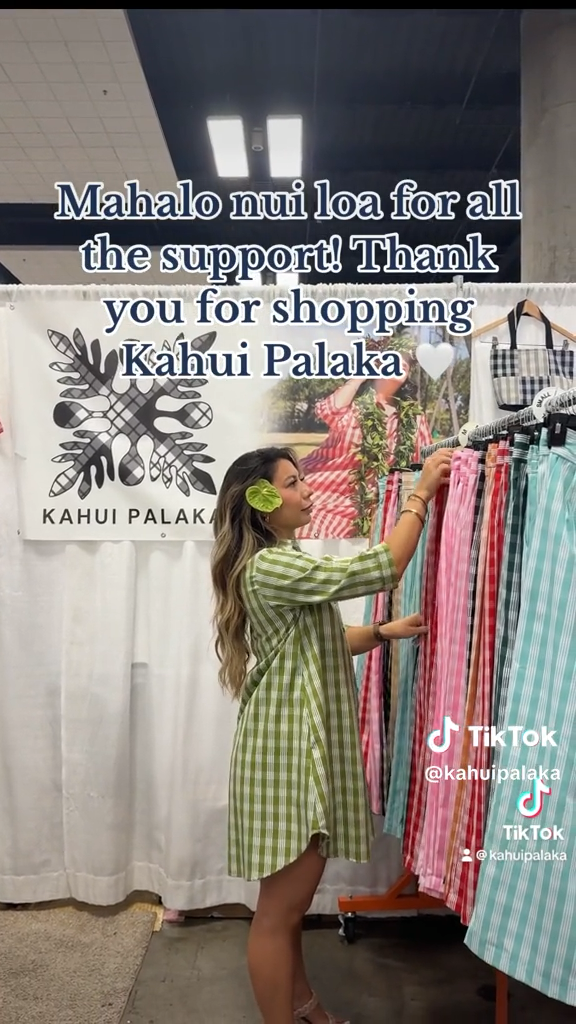
@kahuipalaka
This TikTok used a trending concept to convey important information and build awareness for an upcoming event. This TikTok went on to inpsire other local businesses to follow a similar format for promotion.
-
![]()
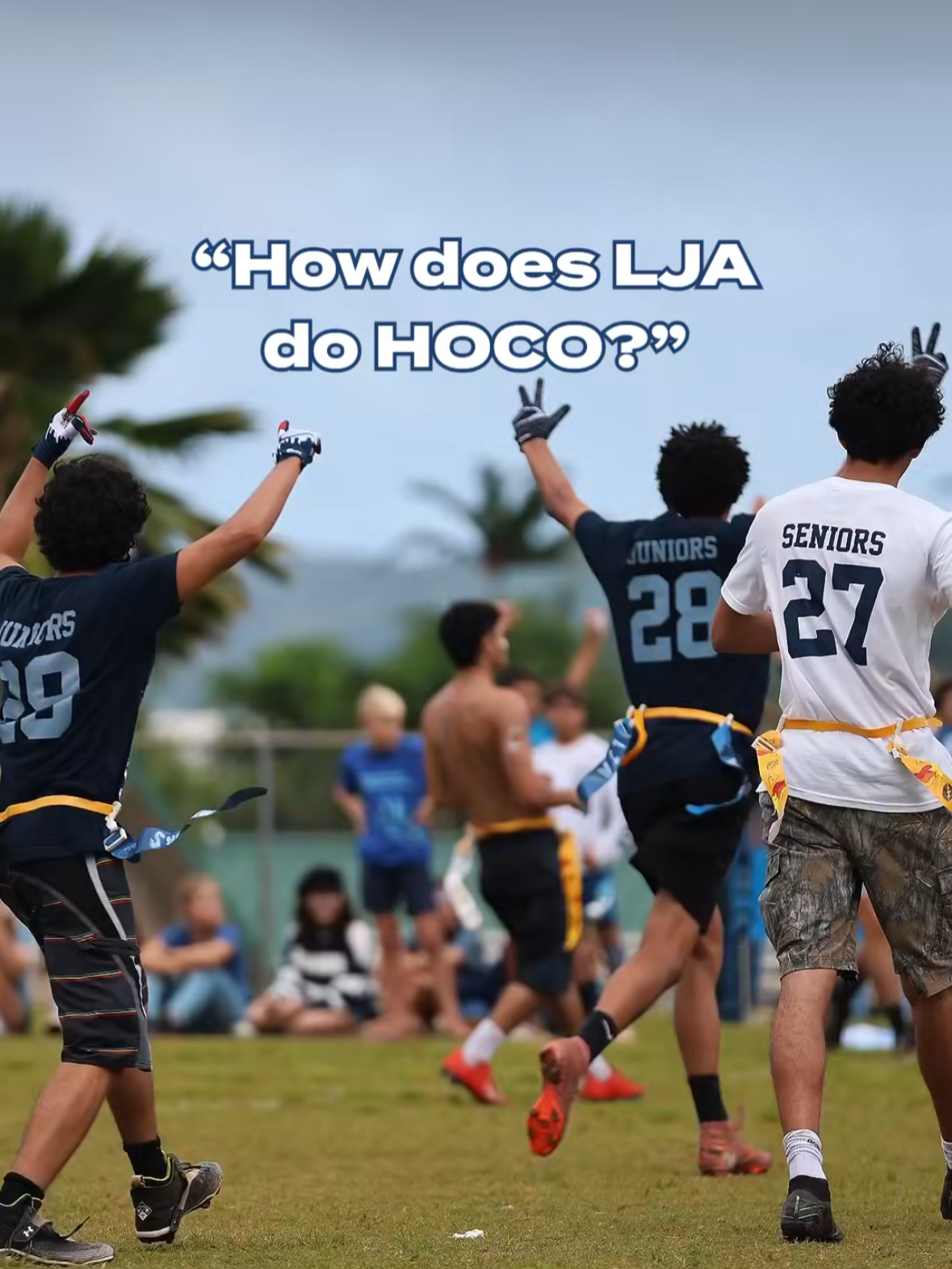
@lejardinacademy
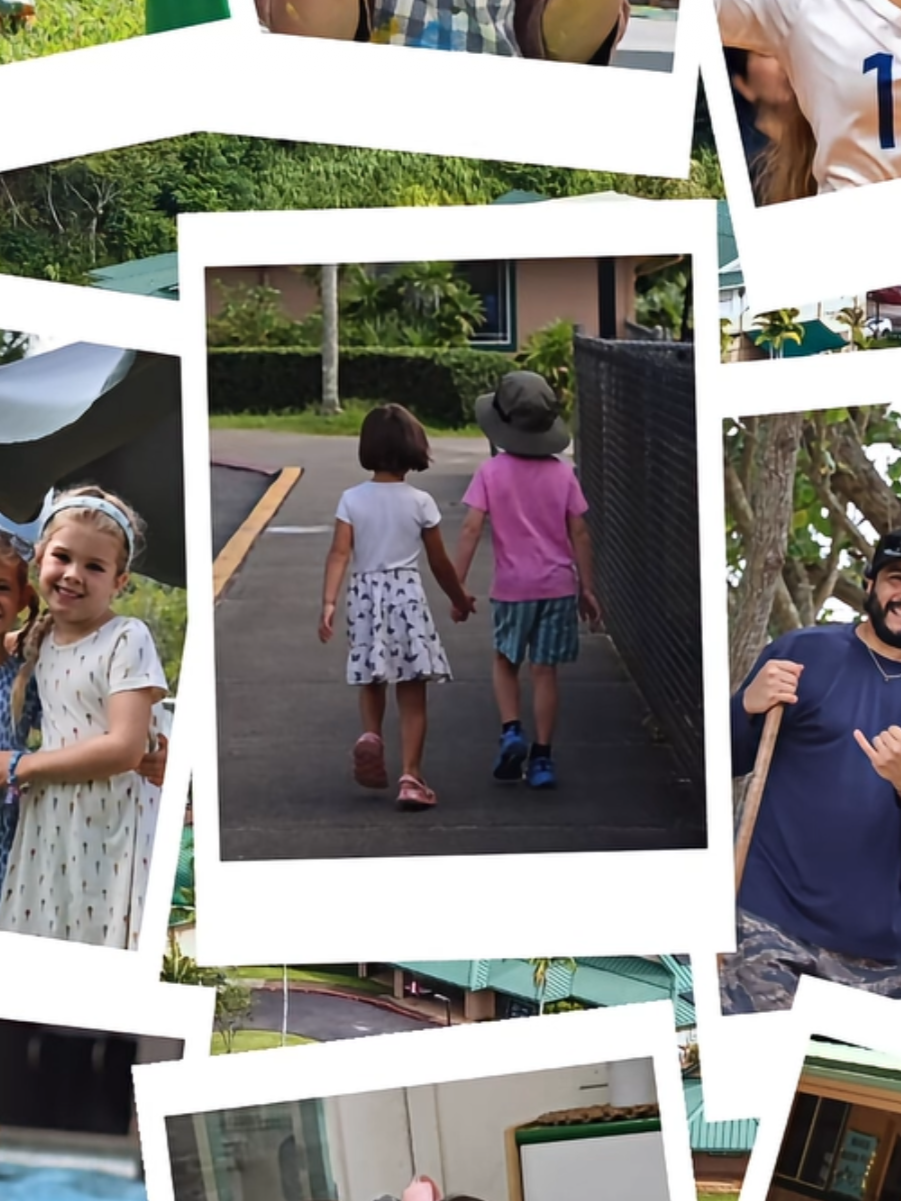
To build school pride, increase non-follower engagement, and grow a relevant following, I photographed, filmed, and edited this entire reel in four hours. This reel gained the account 15 followers in one day.
-
![]()
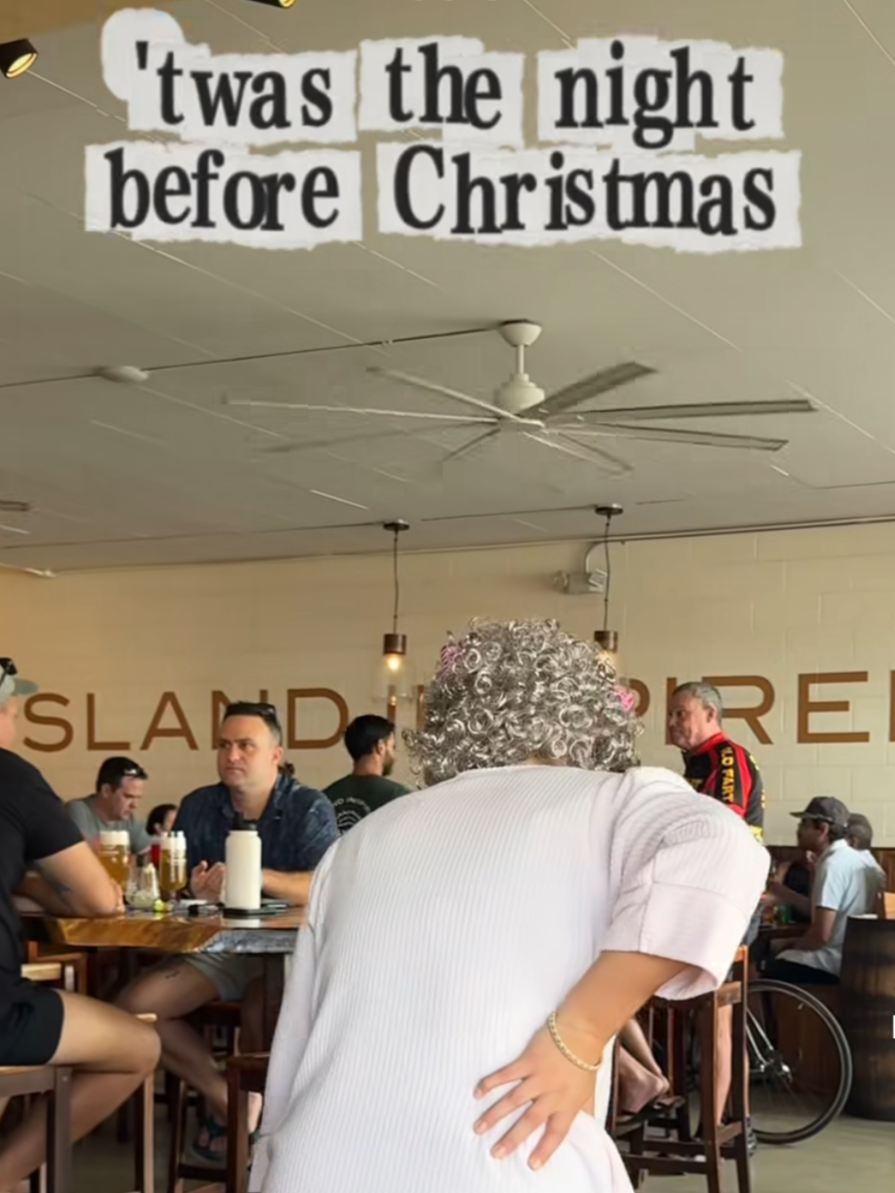
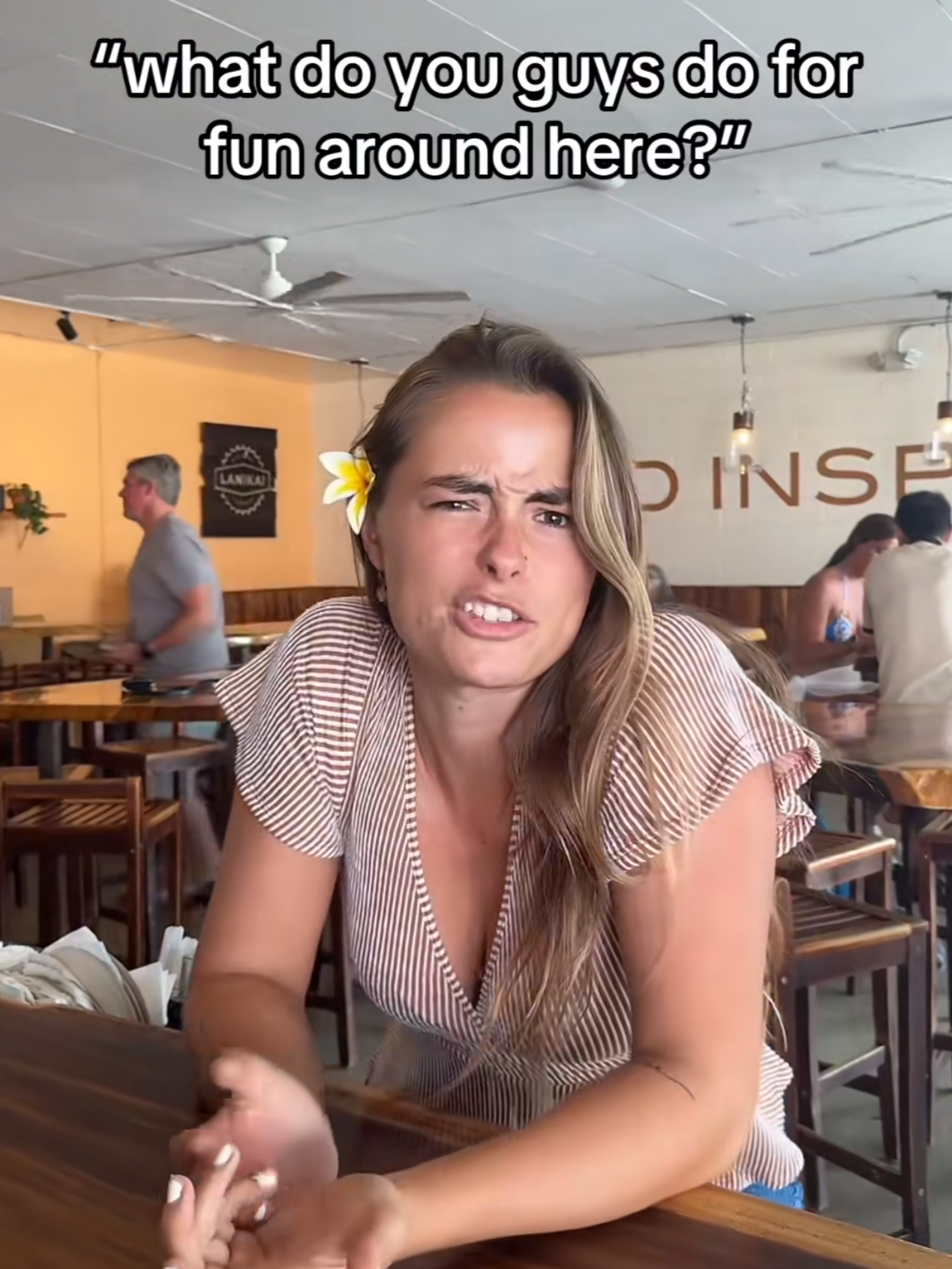
@lanikaibrewingcompany
By using an engaging hook and a popular holiday song, this reel keeps the audience guessing about what Tutu could be doing in a brewery. The engagement via comments and shares helped boost the video as well as the sales of the beer.
-
![]()
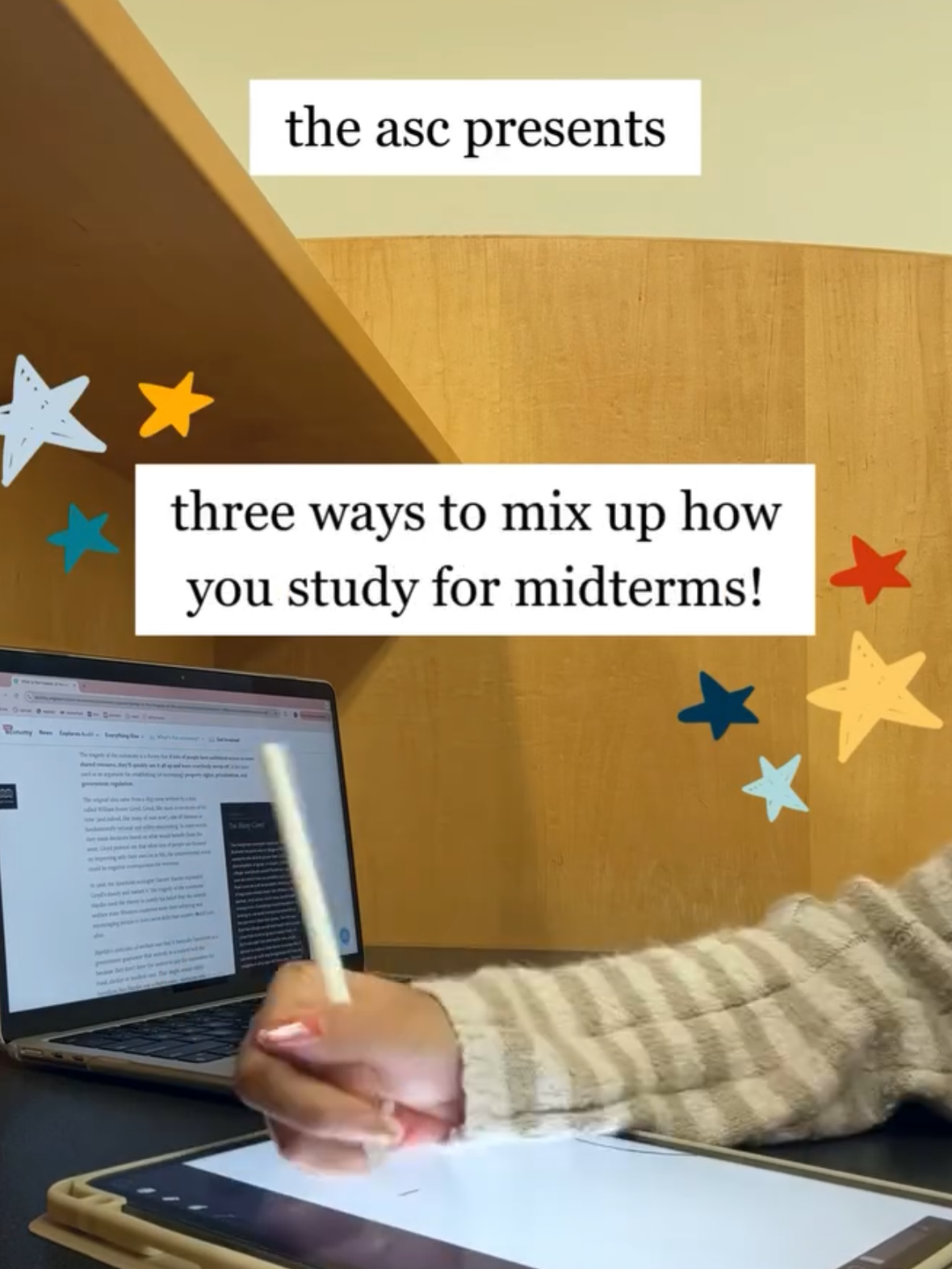
@oregonstate_asc
This reel shared important, scientific information with students in a way that was easy to digest and relatable. This reel helped establish this page as a place where students could go for study tips and help.
-
![]()
@lejardinacademy
This reel uses fast transitions, edits, and community centric photos to represent what a month at LJA is like. By being on brand but still “trendy” in nature, this reel performed well and served as a transition in monthly themes on social.
-
![]()
@lanikaibrewingcompany
This simple TikTok used hashtags, an unexpected twist, and a familiar face around the bar to garner 91k views on a TikTok account that had 1k followers at the time. During my six months on the job, I grew that cout by 50%.
-
![]()
@kahuipalaka
While working with Kahuipalaka, I focused on creating content that was authentic and related back to its core values. This TikTok showed off the owners and their hardwork to encourage customers to continue to shop local.
-
![]()
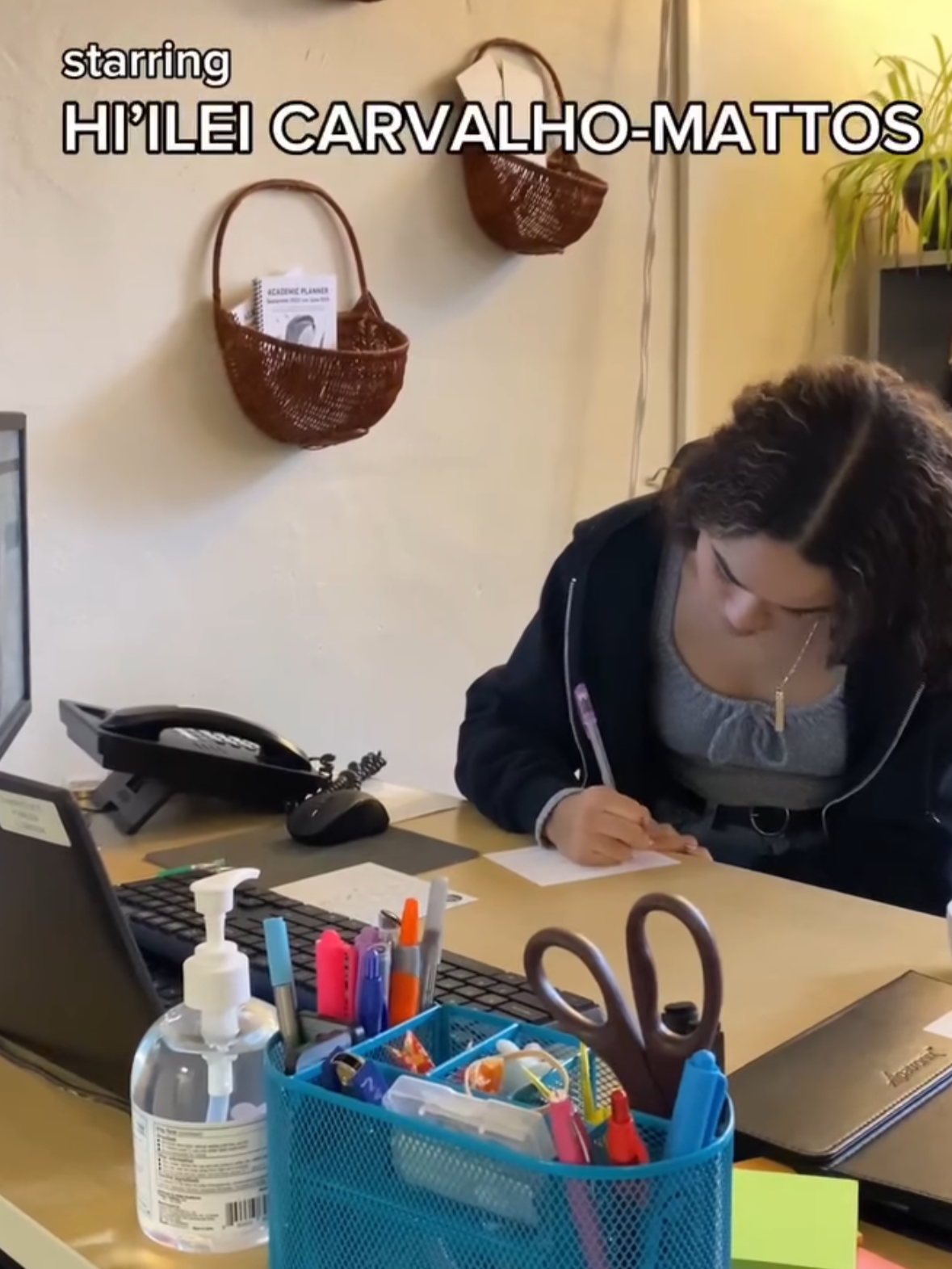
@oregonstate_asc
Being a creative director is a long-term goal for me, but I’ll take Instagram director for now. In this reel, which I conceptualized and led, I worked with another account manager to promote both OSU spaces in this office parody.
My Content Management Strategy
When working in the digital media space, there's no such thing as an 'everyday day in my life.' Details change, projects shift priority, and you can't always stage the perfect photo, sometimes the best moments happen while you're not looking for them. A newsletter deadline might collide with a last-minute event request, or a quiet Tuesday might suddenly need a reel by Thursday. Nevertheless, deadlines persist, content still has to post, and large-scale events require forward thinking long before the day actually arrives.
I manage that balance through a combination of physical and digital planning systems, along with scheduling platforms and software that help me stay a step ahead rather than catching up. A running content calendar keeps the big picture in view, while a simpler day-to-day list keeps me honest about what actually needs attention right now. More than anything, though, I've learned to hold the plan loosely. The systems keep me organized, but the best content usually comes from staying present enough to notice what's actually happening in front of me, a genuine moment, an unplanned shot, a conversation worth capturing, rather than forcing the day to match whatever I had written down that morning.
My Most Used Tools
I create content across Instagram, Facebook, and TikTok, with a comfort level that shifts depending on what each platform actually does best: Instagram for visual storytelling, TikTok for quick, authentic moments, and Facebook for reaching the wider community, parents and alumni included. At Le Jardin Academy, that approach has grown our Instagram following by 11% in six months, through consistent, community-centric posting
Behind the scenes, I edit everything in Adobe Premiere and the rest of the Adobe Creative Suite, with CapCut as my go-to for fast-turnaround, mobile-first edits when something needs to go out the same day it happens. For more on how I edit still form content or graphic needs, check out my Digital Design work.